Roles and setup
Everyone sees what their job needs.
Shared logins and one-size screens mean staff see too much or too little. In Condor the role, not a shared password, decides what each person sees.
MFA · Roles · Encryption · Audit log · Screens show sample data only
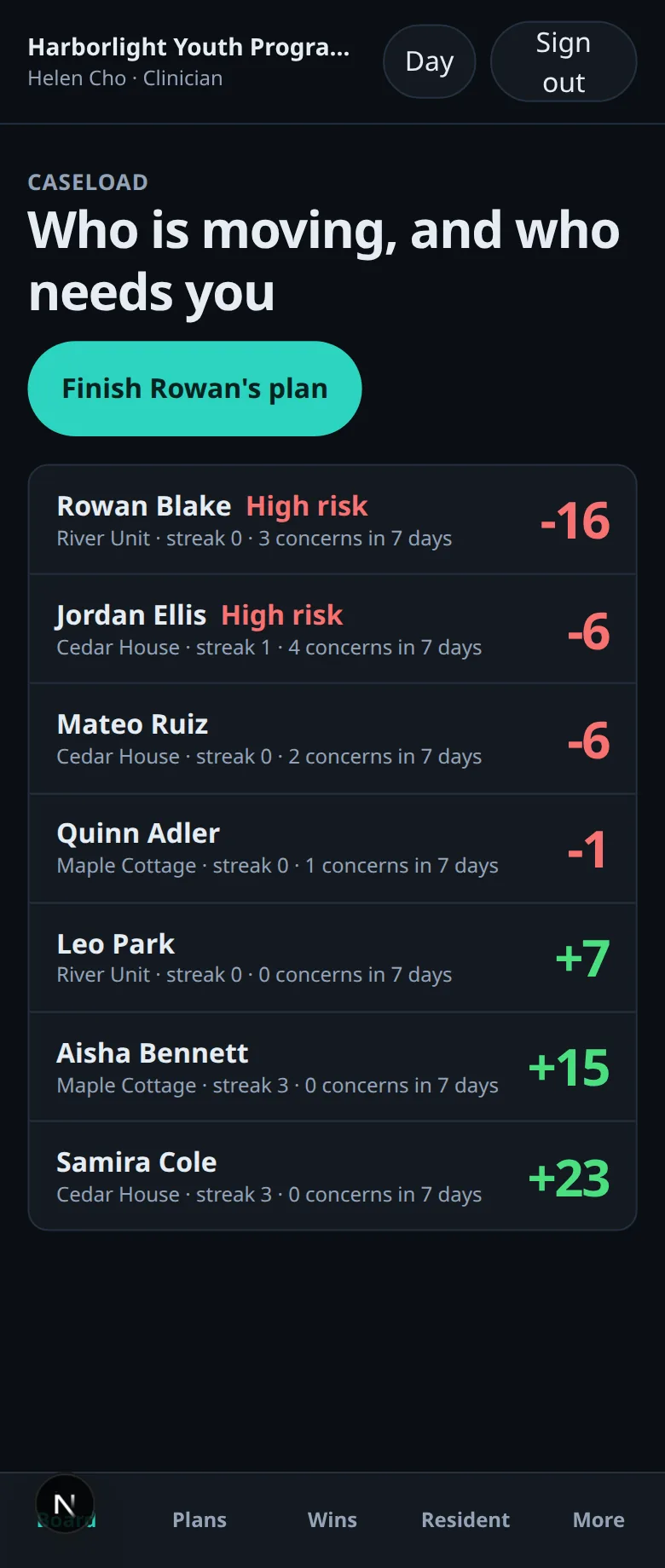
Each role has its own home
The problem
Staff waste time hunting for their part of the system.
What Condor does
Each role lands on the screen it needs.
- Direct care: My kids. Logs the scorecard, notes, incidents, crisis, census verify and off property for their unit
- Shift supervisor: approvals, shift and census management, reports, credentials, shares and void
- Nurse: med pass, chart, visits, follow-ups and chart export
- Clinician: caseload, plans, sensitive view, family messages and shares
- Program director: the supervisor set plus audit, grant packet, templates and chart export
- Billing: census and masked identifiers only
- Agency admin: users, settings, billing, audit, templates, credentials and connections
- Platform admin: enters a workspace only when the agency asked for help
- Guardian: released family messages only
- Support person: only the sections a grant released
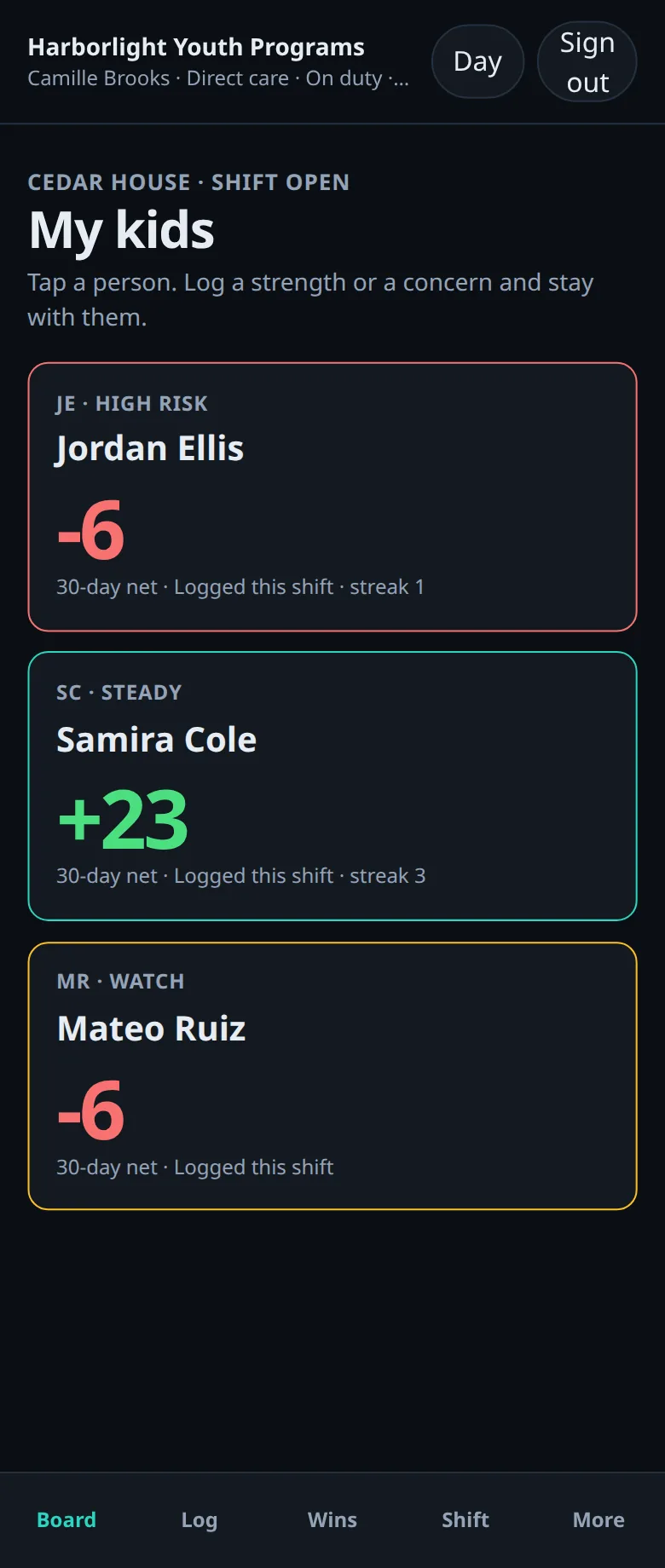
Set up the agency
The problem
Setup drags on when nobody knows the next step.
What Condor does
An onboarding checklist walks locations, programs and the rest of setup. Agency settings hold the name, what you call young people, city, state, phone and units. Users each get their own login and roles. Scorecard templates are drafted and published. An admin can rebuild cached scorecard totals from the ledger.
- Onboarding checklist
- Agency settings
- Users and roles
- Scorecard templates
- Scorecard rebuild
Billing and the trial
The problem
Pricing surprises kill trust.
What Condor does
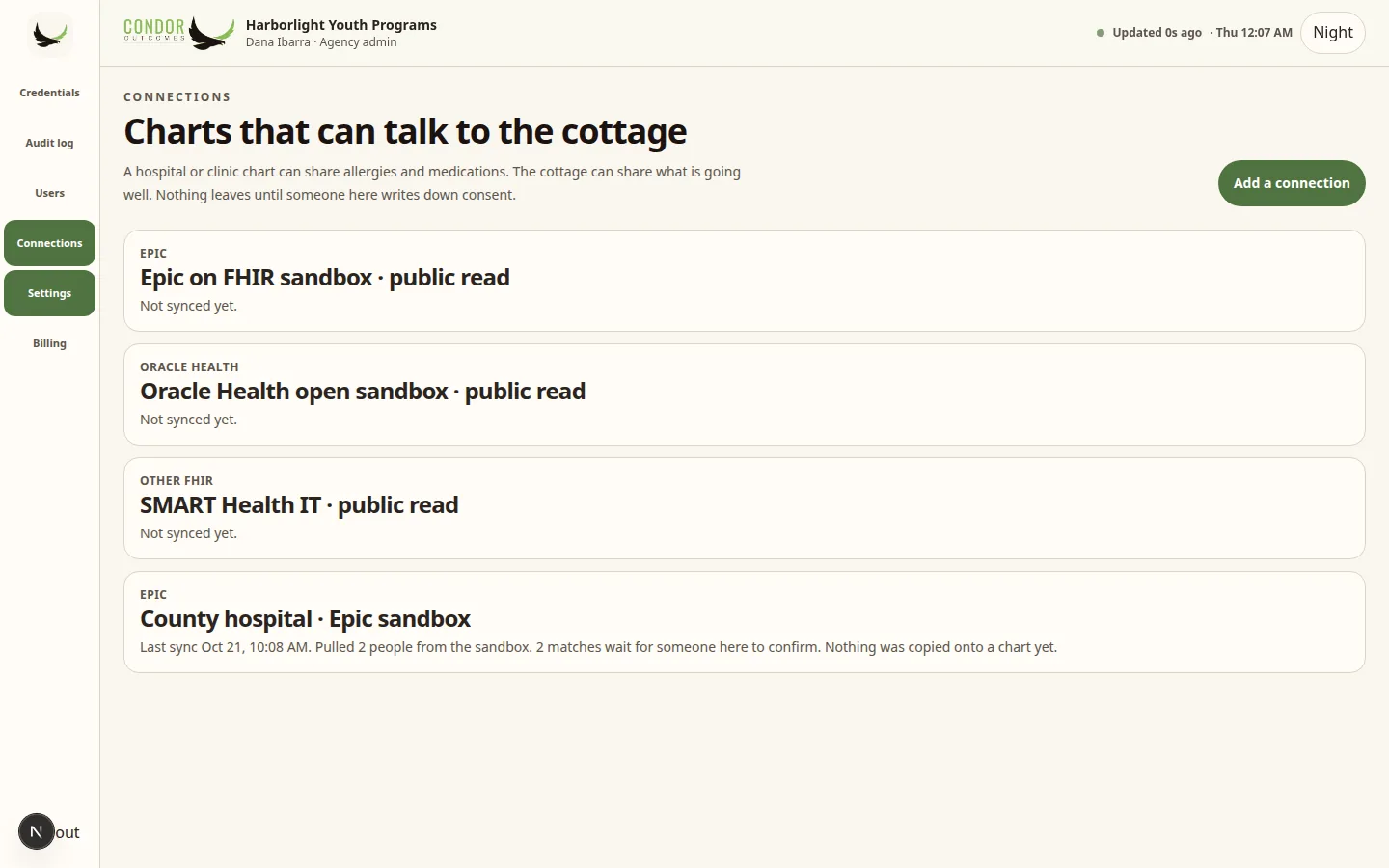
The billing page shows the plan: Scorecard is $299/month billed annually ($369 month-to-month), and Scorecard + MAR is $449/month billed annually ($549 month-to-month), with a 14-day free trial, no card. White-label and partner options available, contact us.
- Billing page
- 14-day trial
- Plan shown plainly
It all comes back to the Scorecard
Every log, note, program and report in Condor feeds the Behavior Scorecard, and the Scorecard feeds Outcomes. One record, one picture of how each person is doing.
ScorecardOutcomesProgramsFeaturesFloorIncidentsMedsCensusLanguagesFamilySharingReportsRolesInteroperabilitySecurity
See it with your own program in mind
Try the demo: a made-up agency with sample data only, so never enter real client information. Or start a 14-day free trial with your own empty workspace.
Trial terms: no card, sign up yourself. After 14 days you get 3 days of grace, then read-only with your data kept.
Scorecard is $299/mo billed annually. Scorecard + MAR is $449/mo billed annually ($549 month to month). e-Prescribing add-on $79 per prescriber per month, coming soon. 14-day free trial, no card. White-label and partner options available, contact us. See pricing.