Floor operations
Run the shift from one place.
Shift handoffs on sticky notes, headcounts on clipboards, and coverage by group text. Condor keeps the floor in the same record as the Scorecard.
MFA · Roles · Encryption · Audit log · Screens show sample data only
Open and close the shift
The problem
The next shift starts blind when the handoff is rushed.
What Condor does
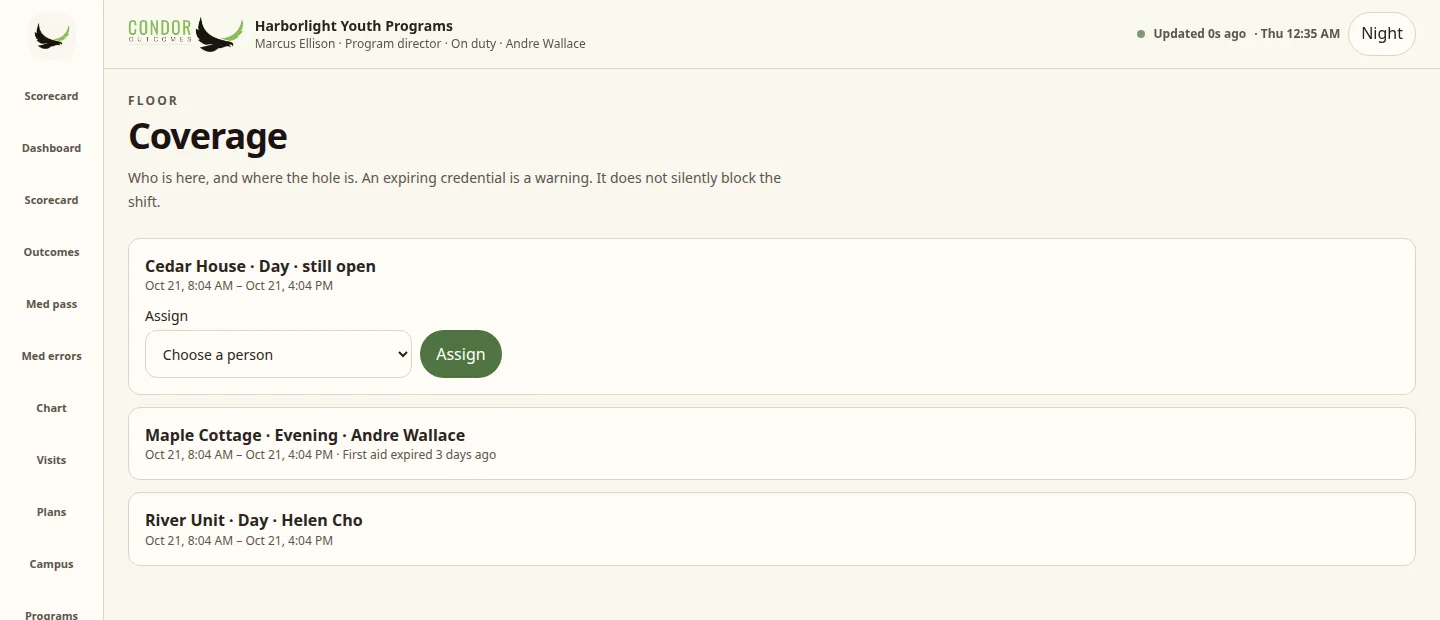
A supervisor starts the shift and ends it with a handoff of wins, concerns and what is still open. Wins already logged are the first thing the next shift reads.
- Shift open and close
- Wins this shift
- Ratings completion by shift
Fill the hole
The problem
Open shifts get filled by a flurry of texts.
What Condor does
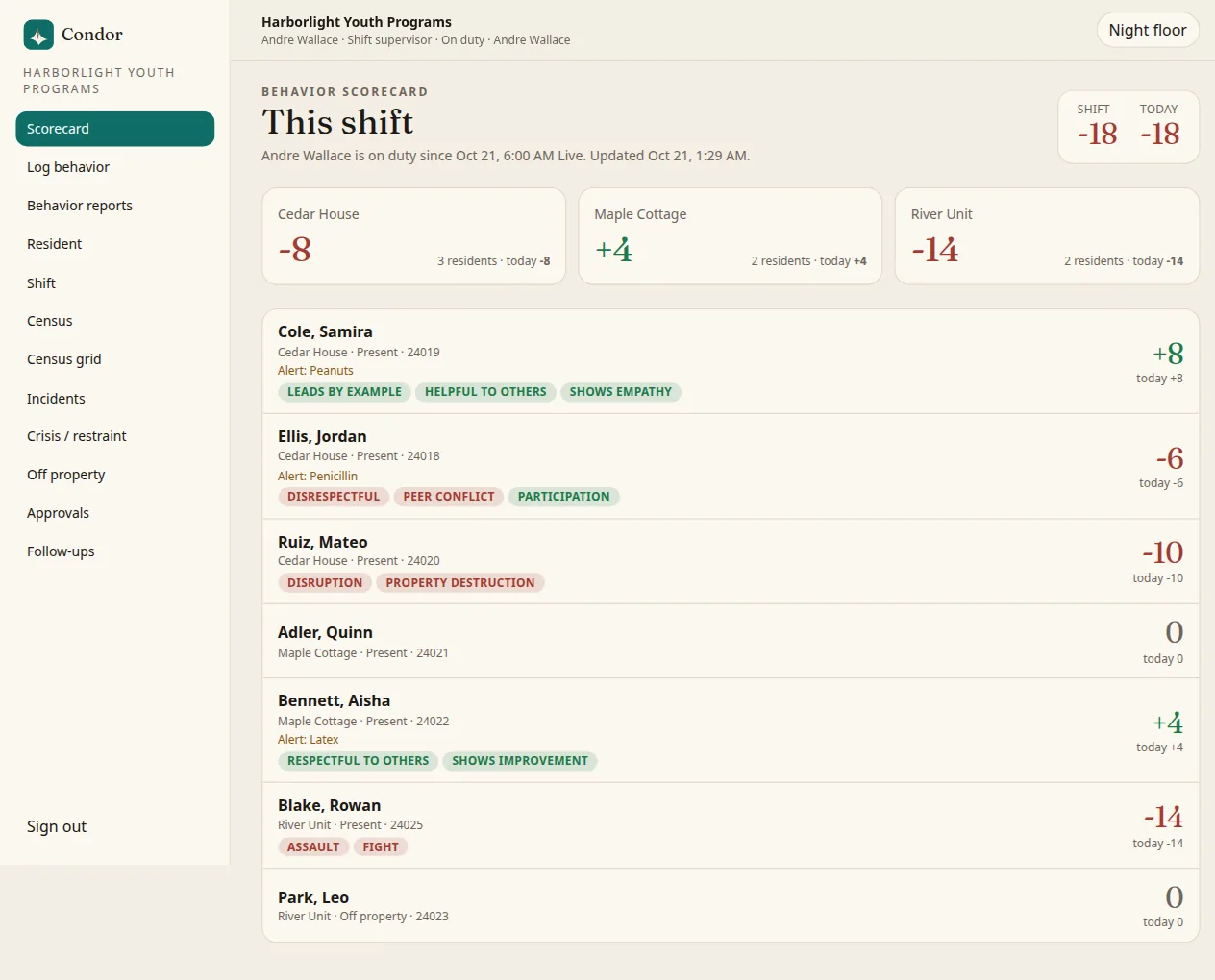
Coverage shows who is here, which hole is still open, and whose credential is close to expiring. An expiring card warns. It does not silently block the shift.
- Open shift holes
- Assign a person
- Credential warnings on the hole
Shift notes that start with strengths
The problem
Notes only list problems, so the good gets lost.
What Condor does
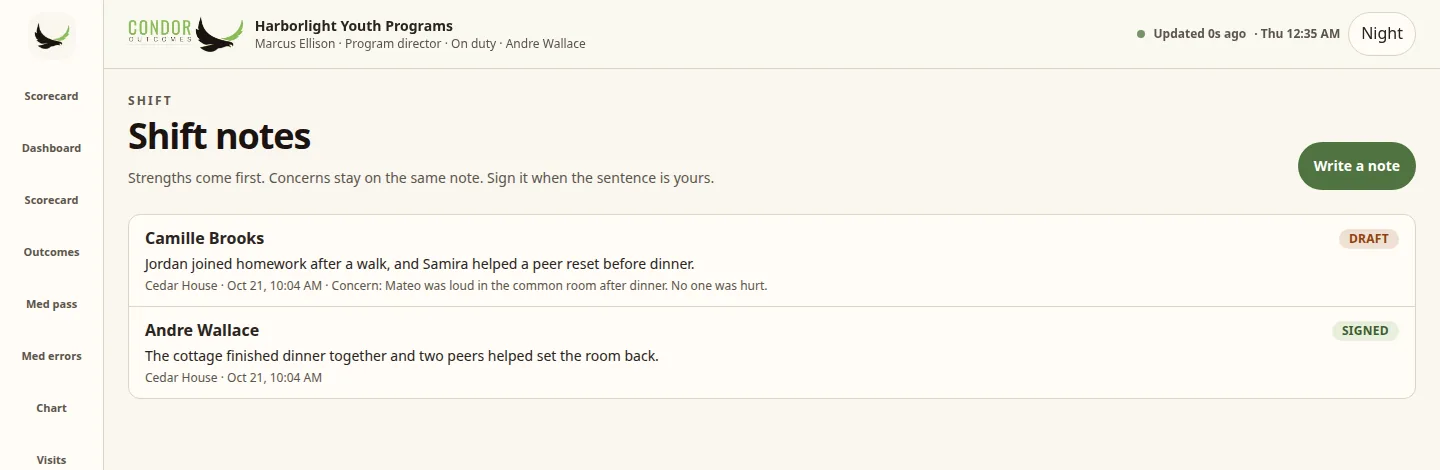
Strengths come first and concerns stay on the same note. The author signs when the sentence is theirs, and the signature meaning is stored with the note.
- Shift notes
- Signed shift note: the author attests it is accurate
- Offline note queue
Dictate the note
The problem
At the end of a long shift, typing three boxes of notes is the first thing to get skipped.
What Condor does
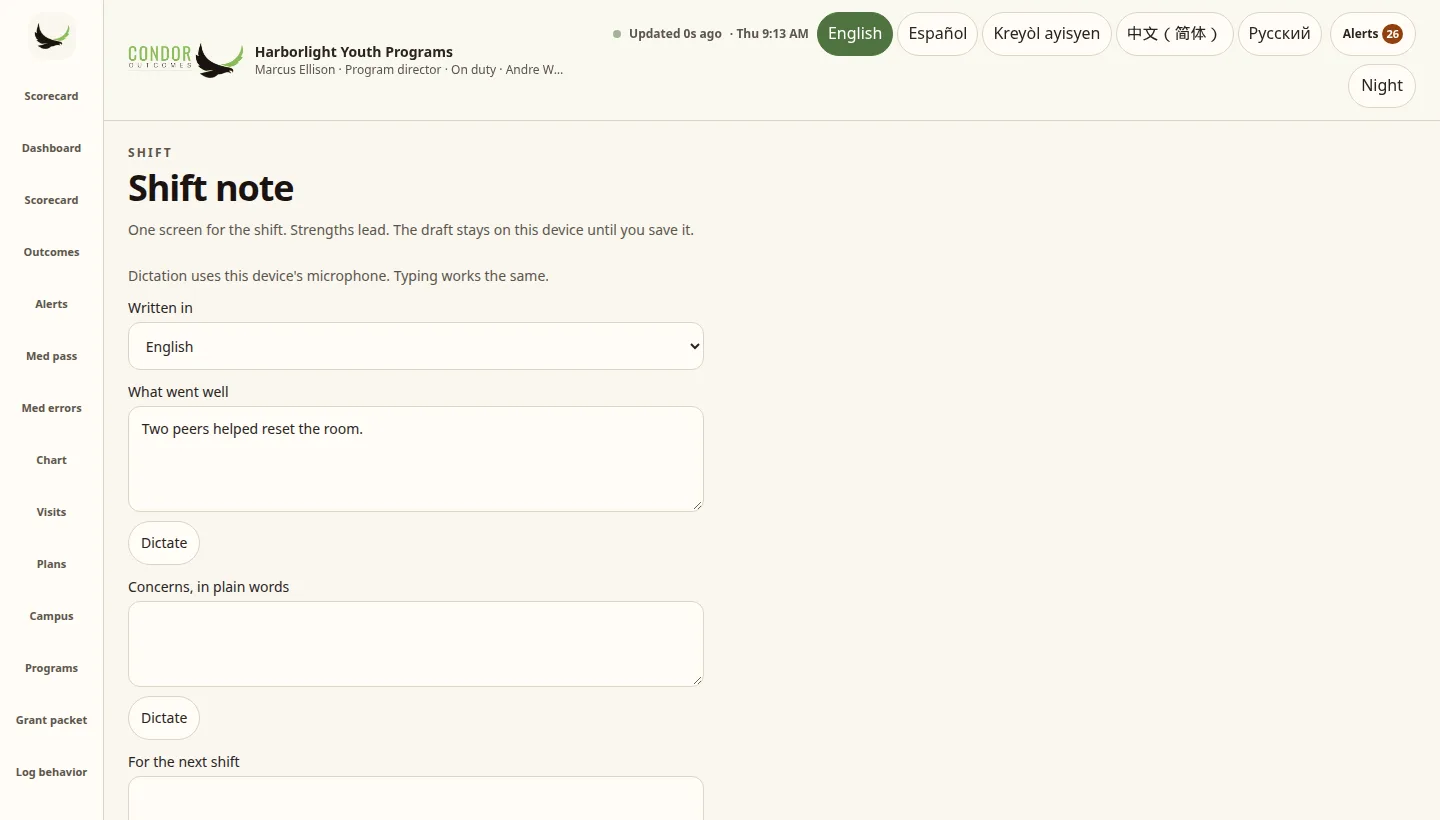
Tap Dictate under any note field and talk. Condor uses the voice dictation built into your browser, so there is no extra vendor and nothing extra to pay. Read it over, fix what needs fixing, then save and sign as usual. Typing works the same.
- Dictate button under each note field
- Built into the browser: free, no extra vendor
- Works only in browsers that support voice dictation. Everywhere else, type as usual
- You still review and sign the note
Headcount without blank rows
The problem
Clipboard counts miss people and invent rows.
What Condor does
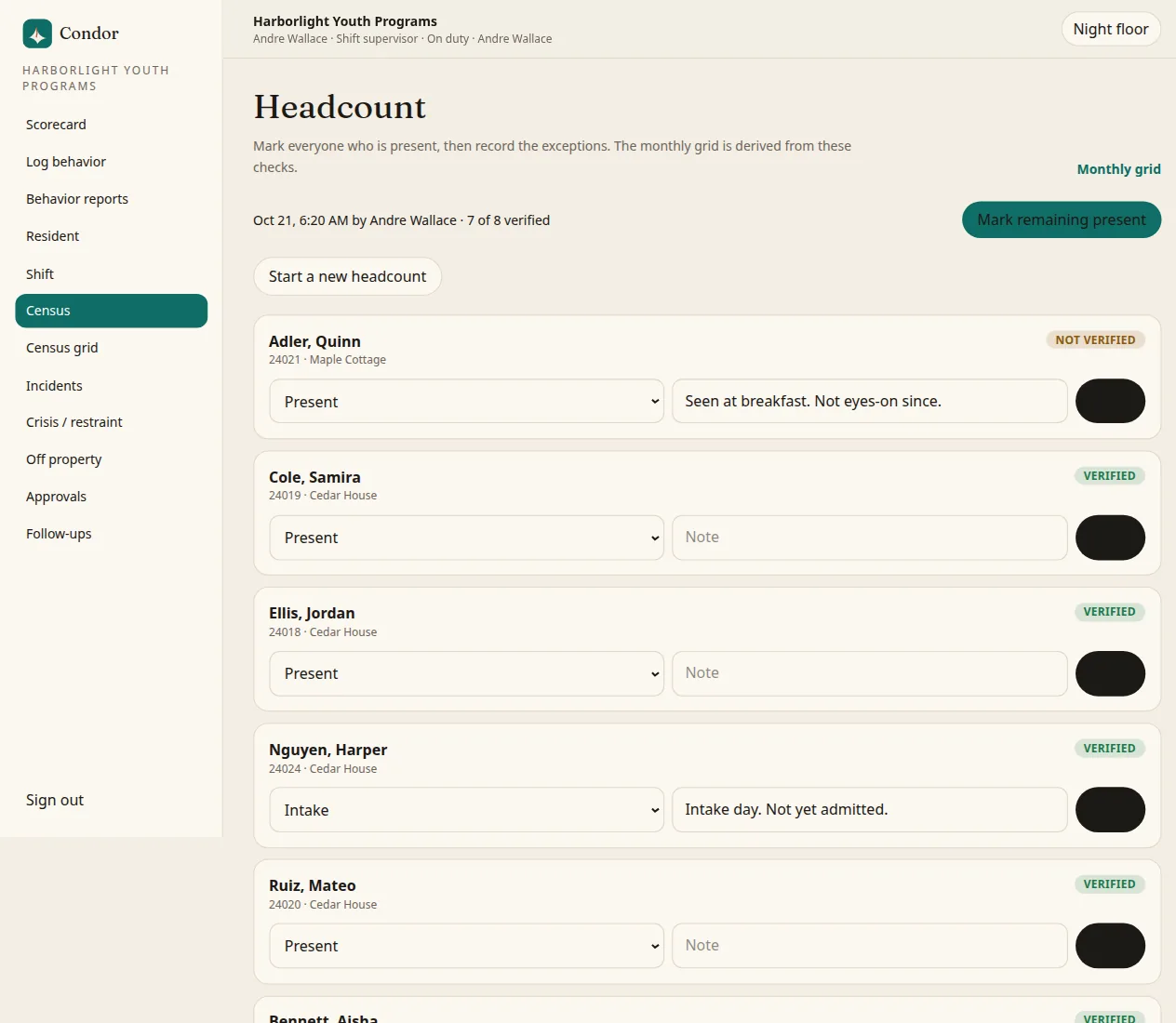
A supervisor starts a headcount from each resident’s last known place. Review a month of counts in the census grid, export the census, and check people out off property with a destination. See census and occupancy for the grid and the 30-day trend.
- Headcount
- Census grid by month
- Census CSV
- Off-property checkout
Approvals and follow-ups
The problem
Reports sit in a pile waiting for a signature.
What Condor does
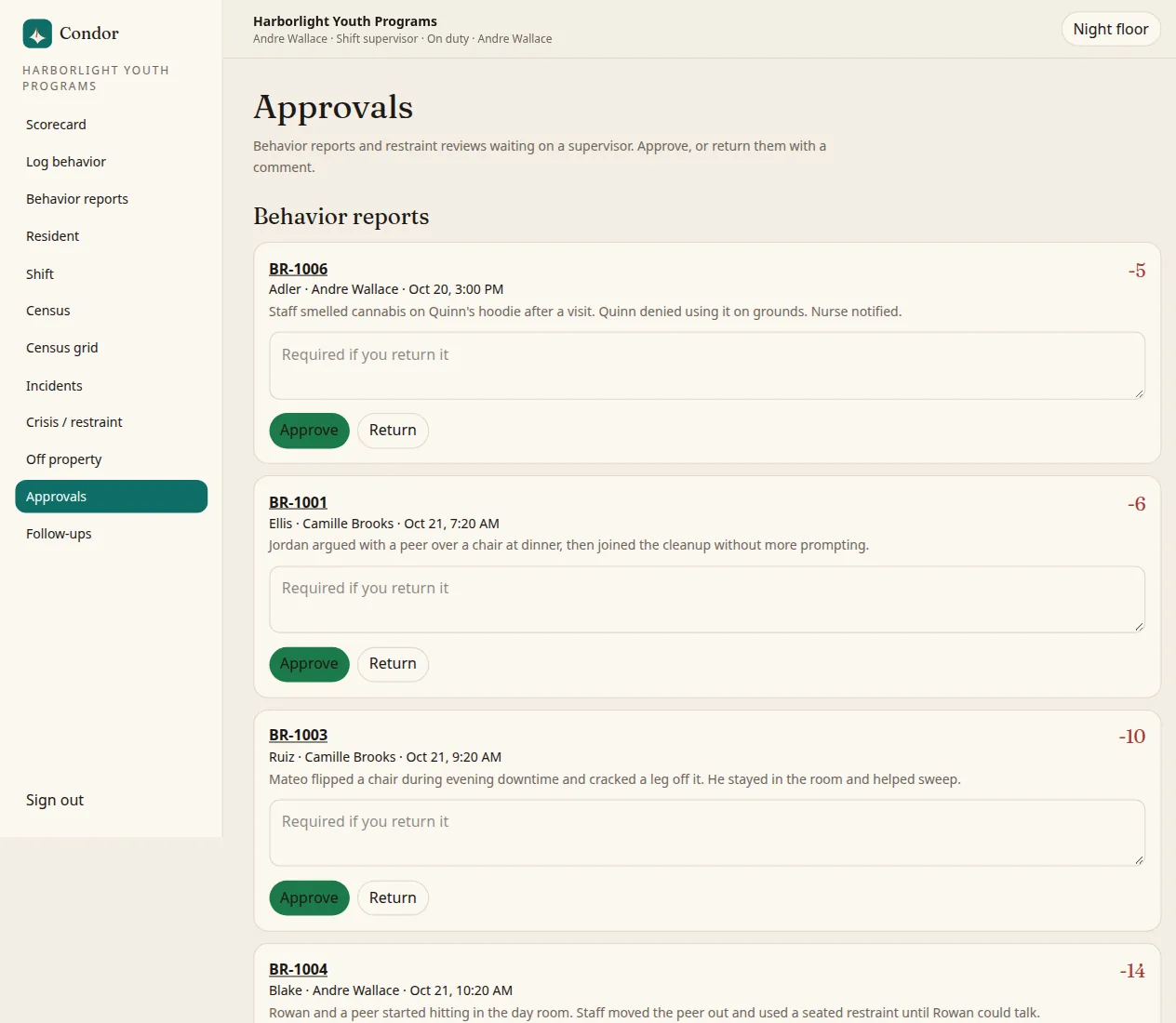
Behavior reports and restraint reviews wait for a supervisor, who approves them or sends them back with a comment. An injury flag becomes a nurse follow-up, and finishing it does not delete the report.
- Approvals
- Follow-ups
- Today on the floor: every unit under the scorecard
Alerts
The problem
The warning signs are spread across five screens, so the one that matters gets missed.
What Condor does
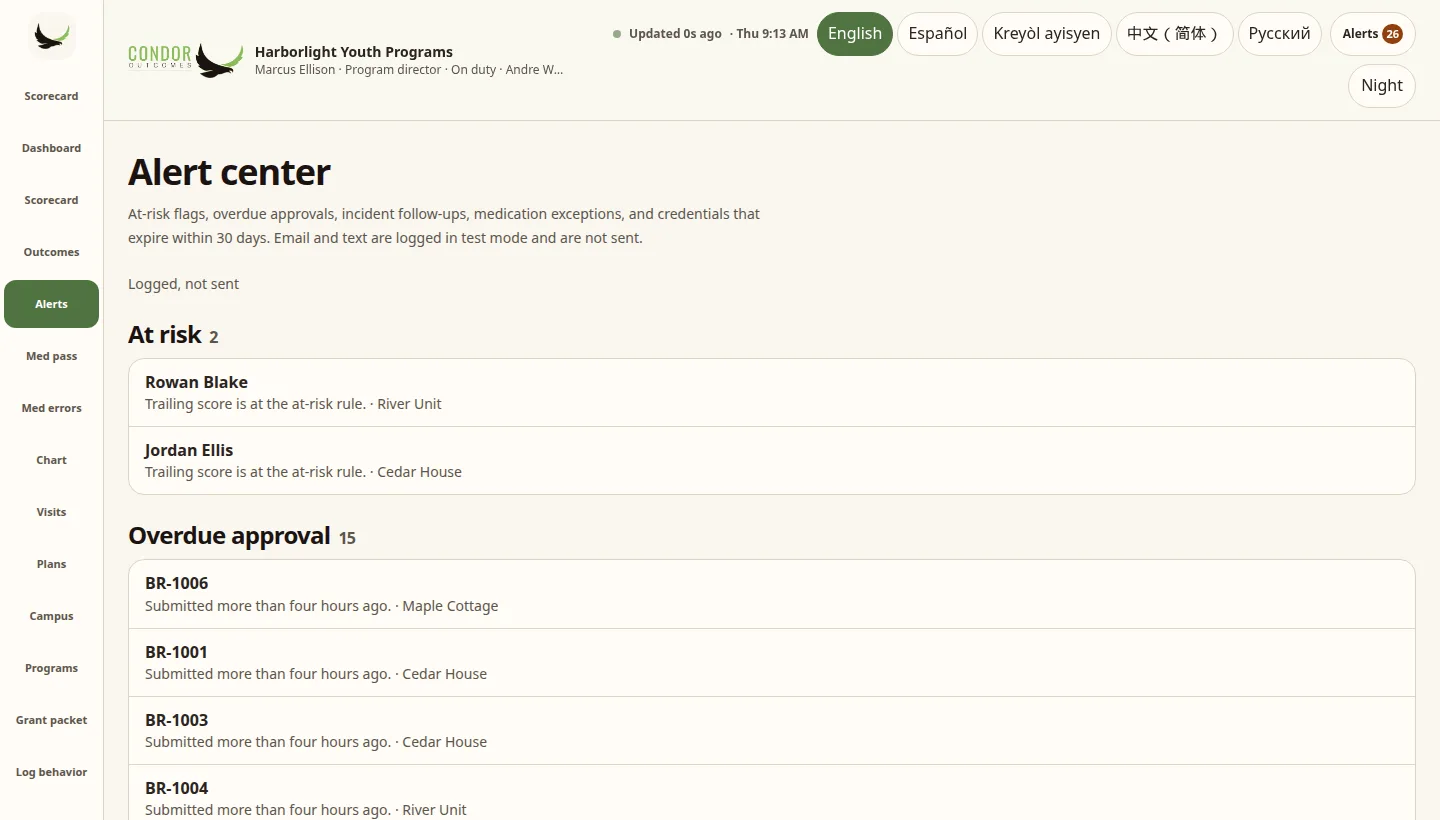
The alert center puts them in one list, sorted by kind, with a count on the Alerts button at the top of every screen. Each role sees the alerts for its own work. Alerts show on screen in Condor today. Text and email alerts are coming. They are not sent yet.
- Young people at risk
- Approvals waiting more than 4 hours
- Incident follow-ups
- Medication exceptions
- Staff credentials that expire within 30 days
- Role-based: each person sees their own alerts
From intake to the floor
The problem
A new admission arrives before the paperwork does.
What Condor does
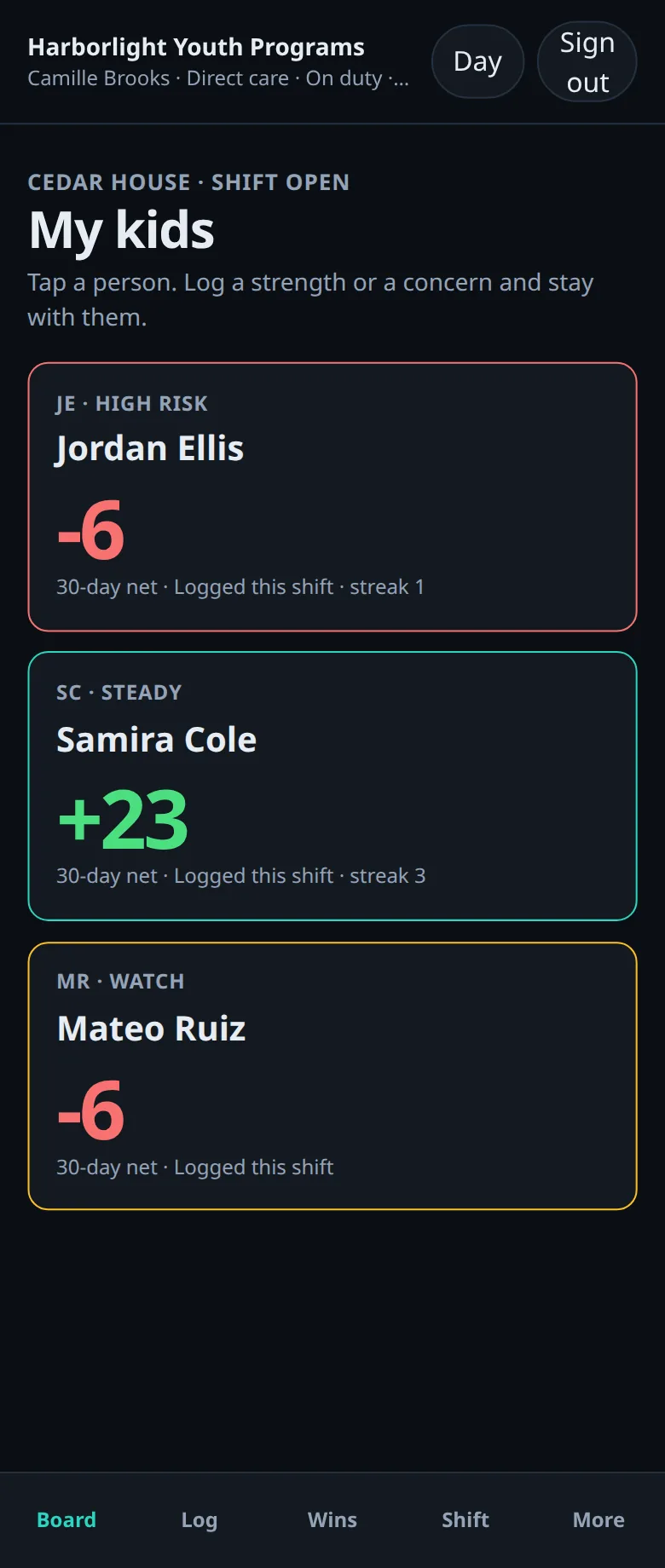
Add a resident and complete intake before the scorecard starts. Staff find people by name, see where someone is, and see a short allergy warning. Direct care sees My kids: the young people on their shift and whether anything was logged.
- Intake
- Resident directory, with identifiers masked for billing
- Presence and allergy alert
- My kids for direct care
It all comes back to the Scorecard
Every log, note, program and report in Condor feeds the Behavior Scorecard, and the Scorecard feeds Outcomes. One record, one picture of how each person is doing.
ScorecardOutcomesProgramsFeaturesFloorIncidentsMedsCensusLanguagesFamilySharingReportsRolesInteroperabilitySecurity
See it with your own program in mind
Try the demo: a made-up agency with sample data only, so never enter real client information. Or start a 14-day free trial with your own empty workspace.
Trial terms: no card, sign up yourself. After 14 days you get 3 days of grace, then read-only with your data kept.
Scorecard is $299/mo billed annually. Scorecard + MAR is $449/mo billed annually ($549 month to month). e-Prescribing add-on $79 per prescriber per month, coming soon. 14-day free trial, no card. White-label and partner options available, contact us. See pricing.